
Compress/Resize Parts
Brand Logo
Core Design Rules
Used across all formal and institutional channels where full organisational identification is required.
The Paulinne logo system comprises three marks: Paulinne Foundation, Paulinne, and the P-mark. Their respective uses are defined in the following pages.
All logotypes are set in Magister, the core typeface of the identity. The P mark is rendered in the Bold Extended weight, enabling it to punctuate the page and anchor compositions through its radiating form at the base of layouts. This radial shape evokes the sundial, while its structural transparency expresses the layered, interconnected strands of the Paulinne ecosystem.
Setting the entire logo system in Magister situates the Foundation within a grounded and credible typographic lineage, echoing the legacy of
print media and cultural and publishing discourse rooted in London. This heritage is balanced with a contemporary revival, ensuring the system remains suited to both print and digital contexts.
Logo Hierarchy
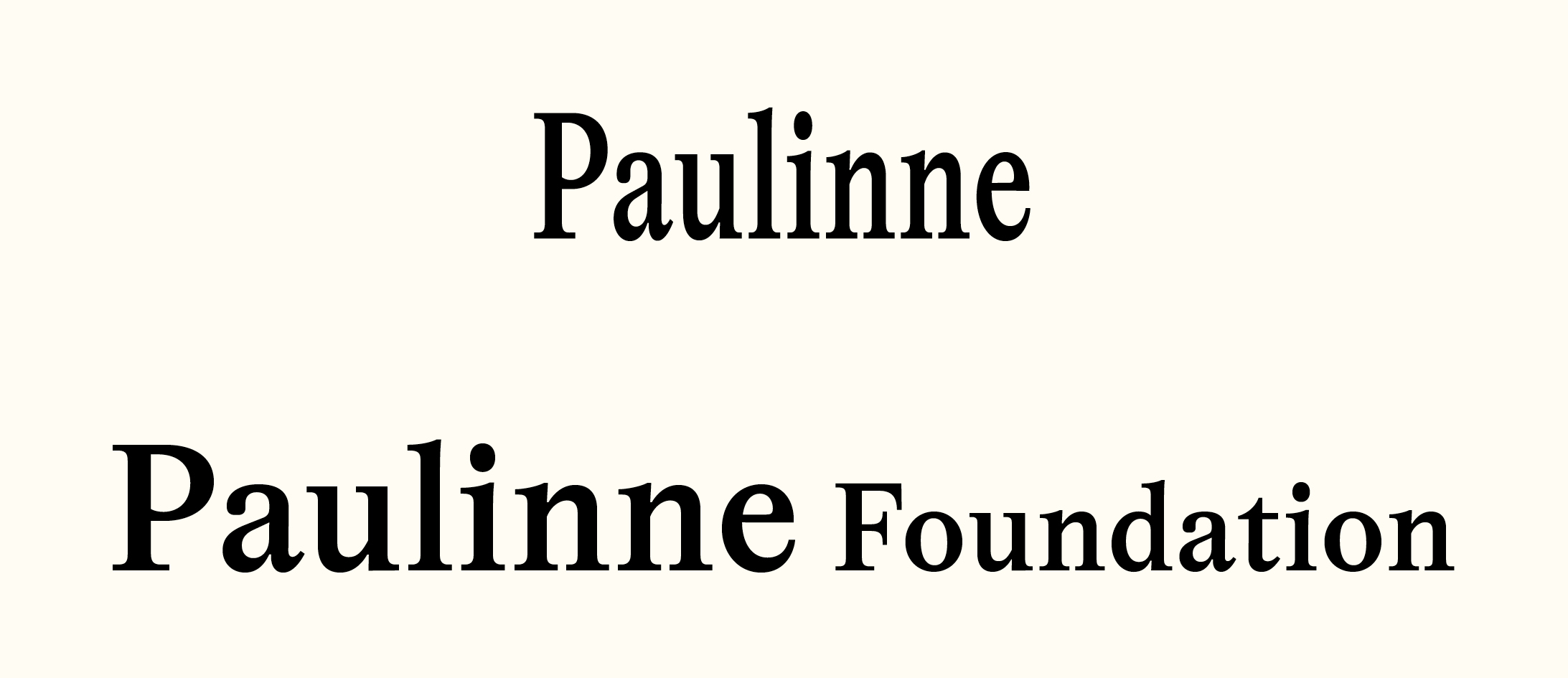
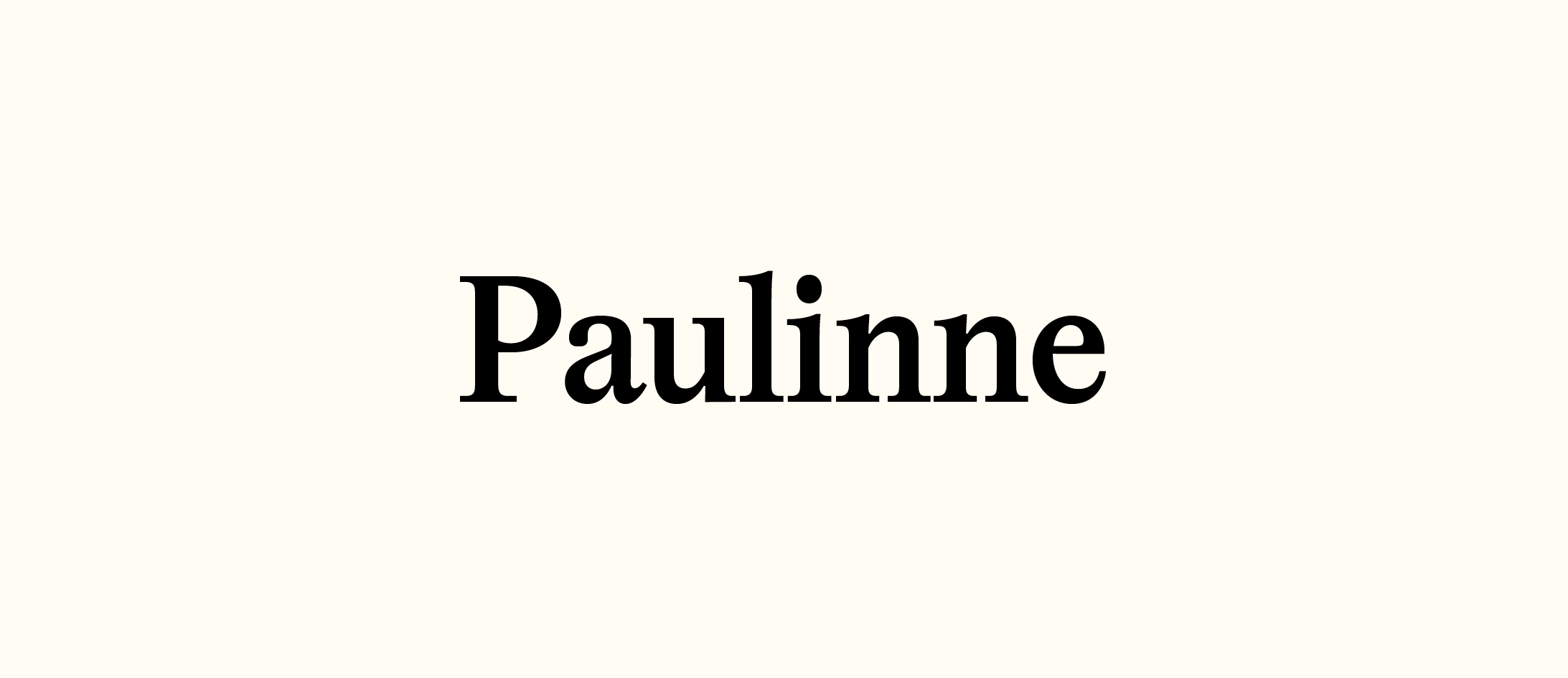
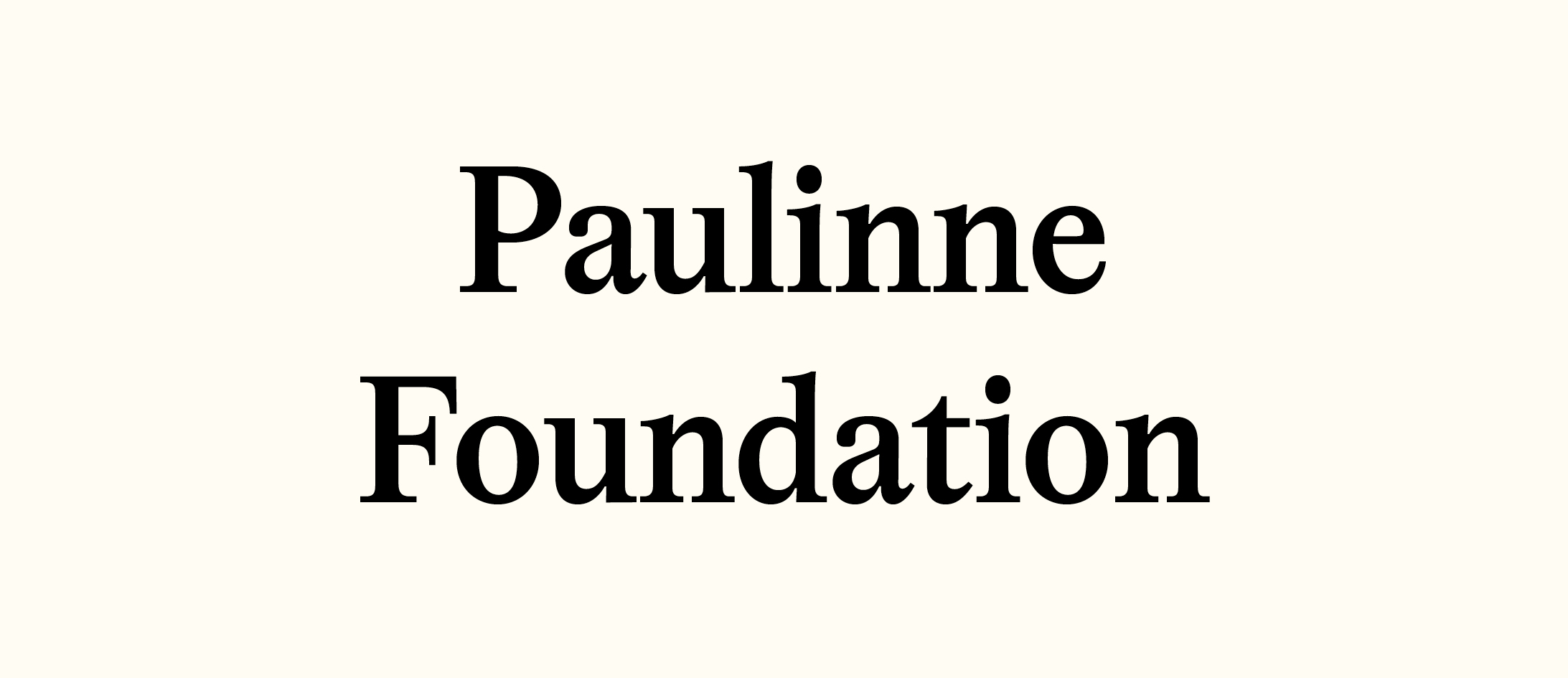
Primary wordmark
Used across all formal and institutional channels where full organisational identification is required. Including official communications, academic reports & research outputs, formal invitations, governance, board and legal documentation.
secondary wordmark
Used across public-facing, cultural, and program-related contexts. Including the website, Social Media, Exhibition posters and project announcements, public programs, events, screenings, marketing materials, on-site signage and wayfinding.

P – Mark
Used as a signature element across brand applications. Including publishing marks (books, essays, editions, digital covers), stationery (embossing, letterheads, cards), exhibition labels, stamps, brand touches in print and collateral.
Logo: Symbol Lockup
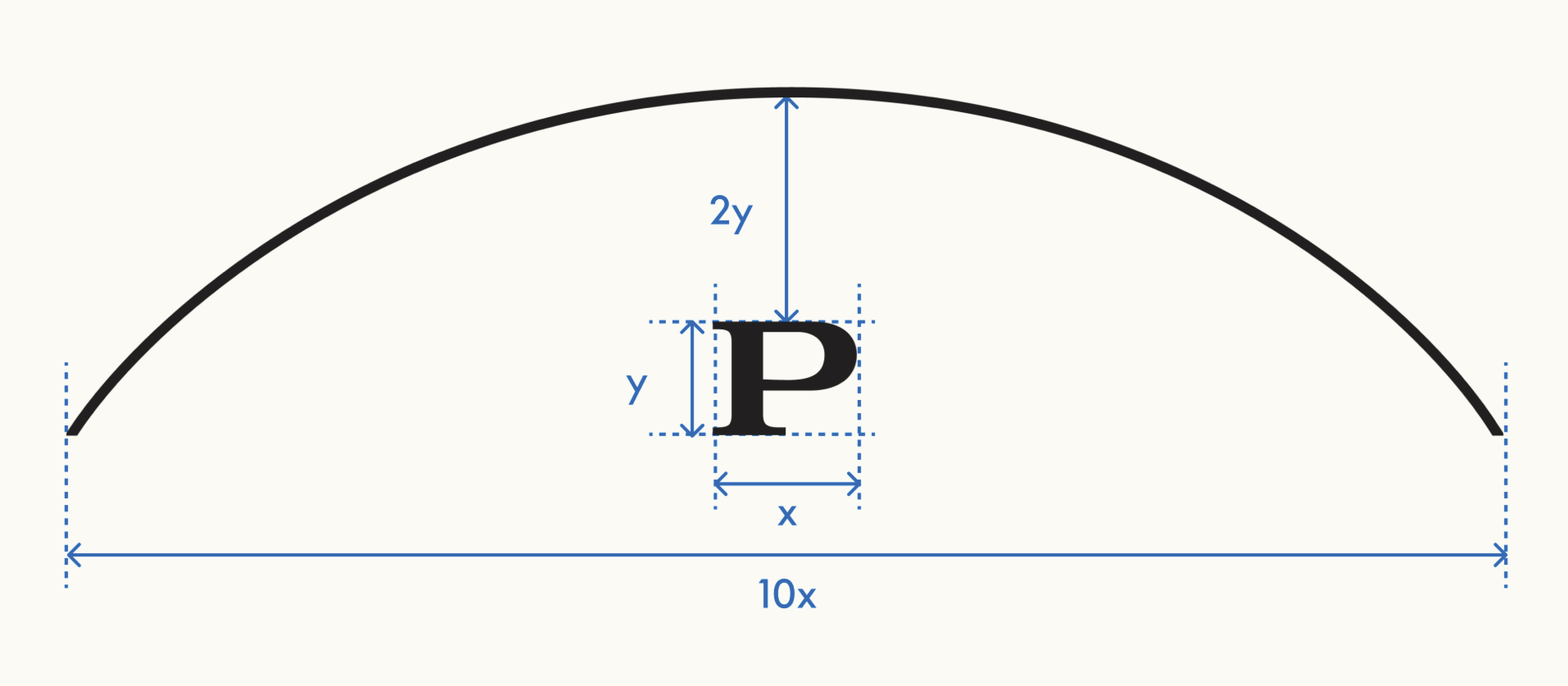
The Paulinne logo features a ’P’ set in Magister Bold Extended. A radiating arch frames the letter, with the ’P’ centrally positioned at the base of the curve. The arch extends well beyond the width of the ’P’, amplifying its presence, while its stroke weight is calibrated to match the thinnest stroke of the letter—creating a considered relationship between the two elements.
Magister Bold Extended should never be used in any other instances across the identity and its applications.
File Formats
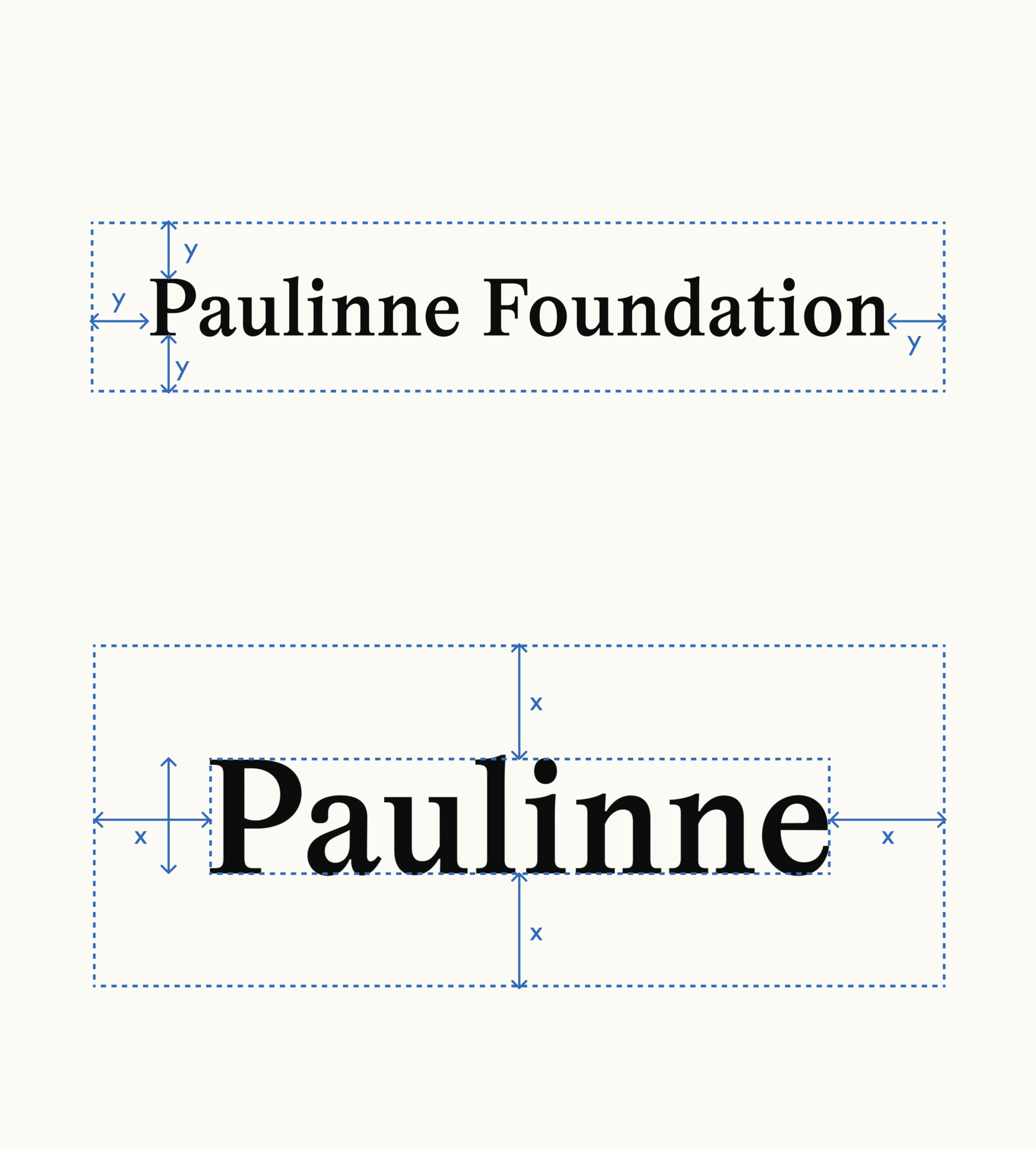
Clearance Area: LogoMark
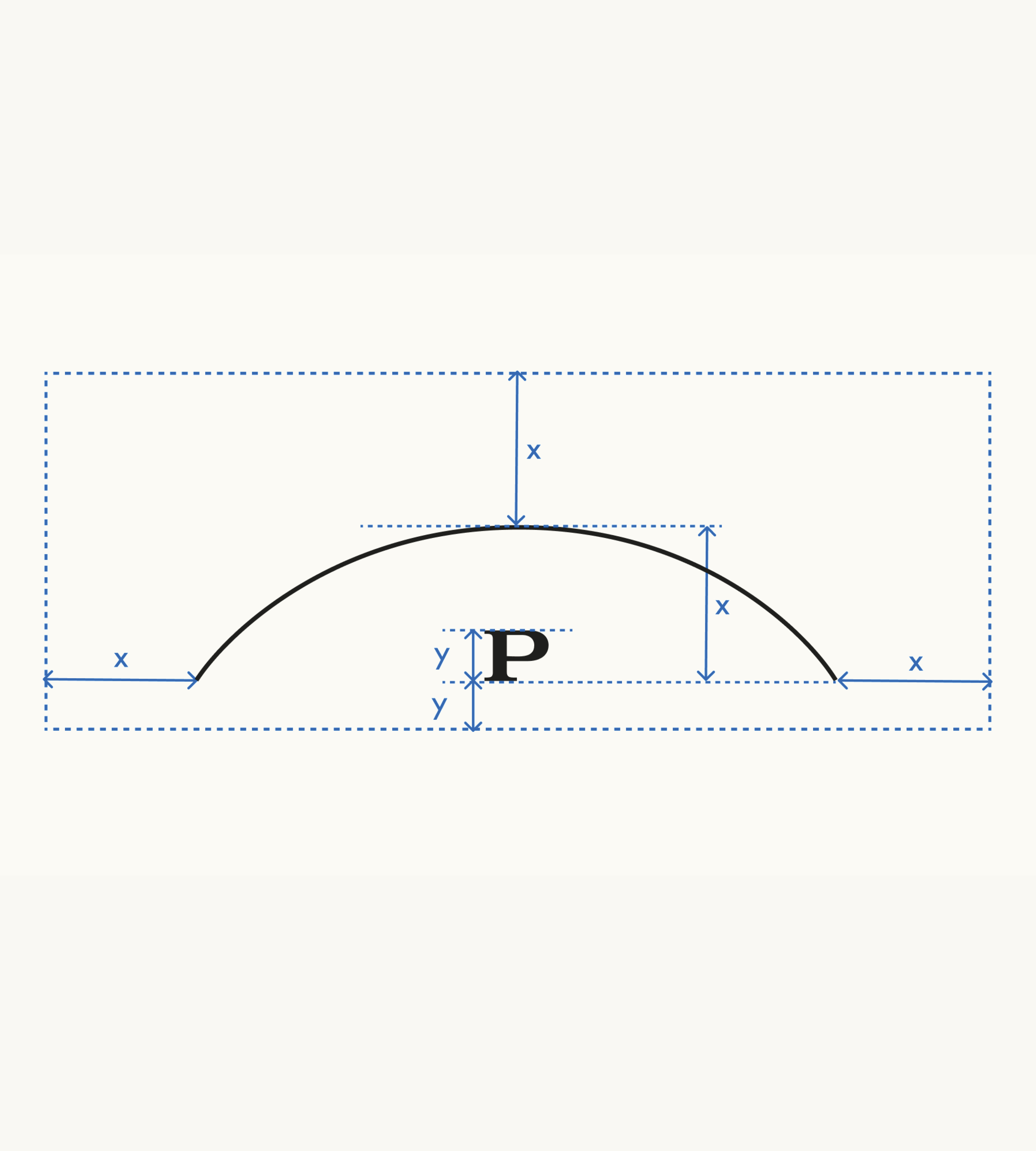
Clearance Area: Symbol
Pre-formatted versions of the logo must be used rather than manual typing it out in the Magister typeface.
Using the prepared logo files ensures consistency.
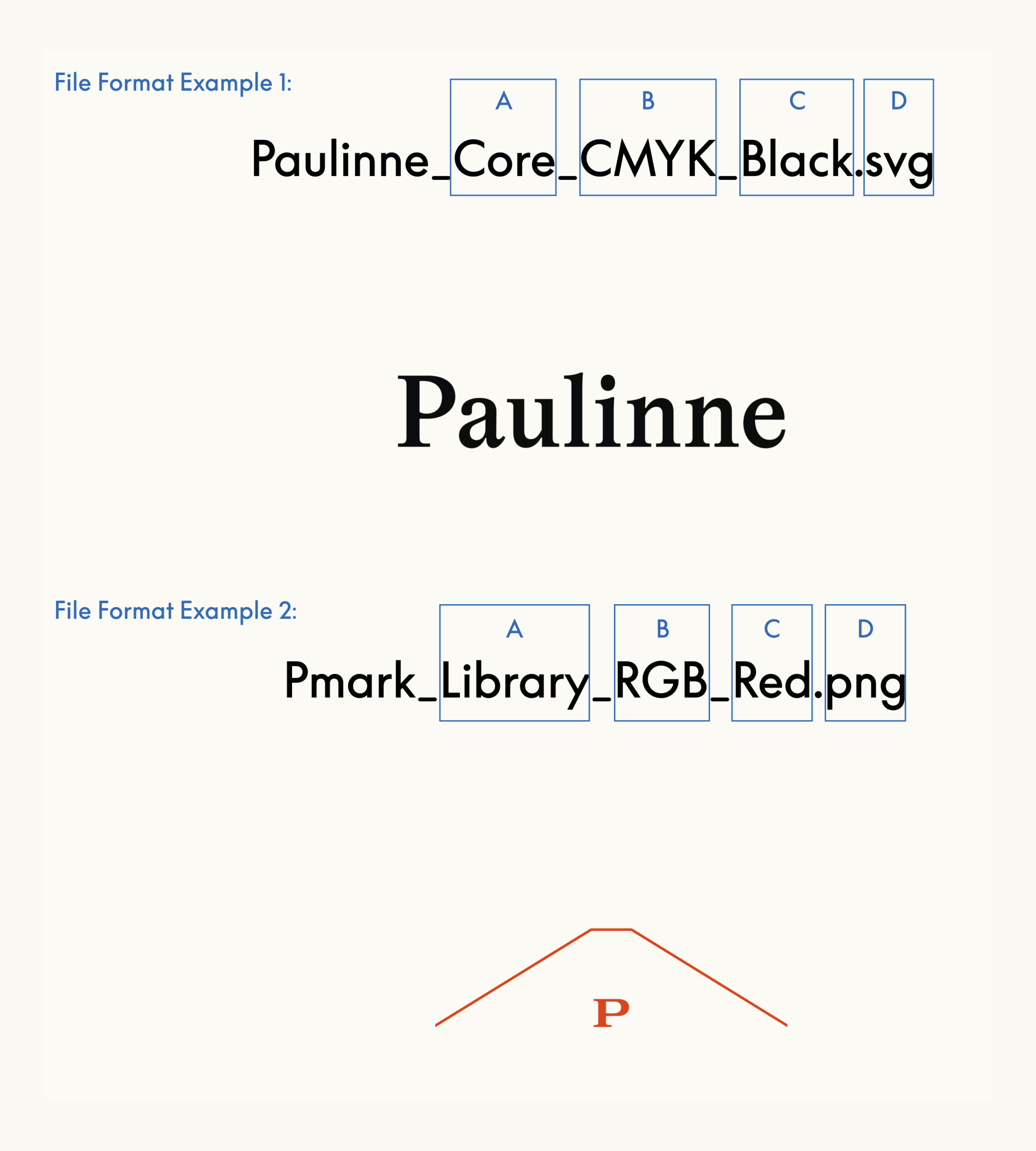
SVG files should be considered the default file format, as they are vector files and therefore infinitely scalable. PNG files are also available if necessary.
Different sections of the file name refer to different parameters within the logo setup:
A) The strand of Paulinne (core/subsection)
B) Whether the logo is for print (cmyk/Pantone) or digital (rgb)
C) The logo colour, from the selection of Paulinne colours
D) The file type (.svg/.png)
The height of the P is used to define the minimum clearance area. In instances where this measurement would result in awkward dimensions, such as when it also determines page margins, the P height may be rounded to the nearest 0.5 mm.
The height of the P is used to define the minimum clearance area beneath the logomark. The height of the arch defines the minimum clearance at the sides and above the logomark.
Placement and Alignment
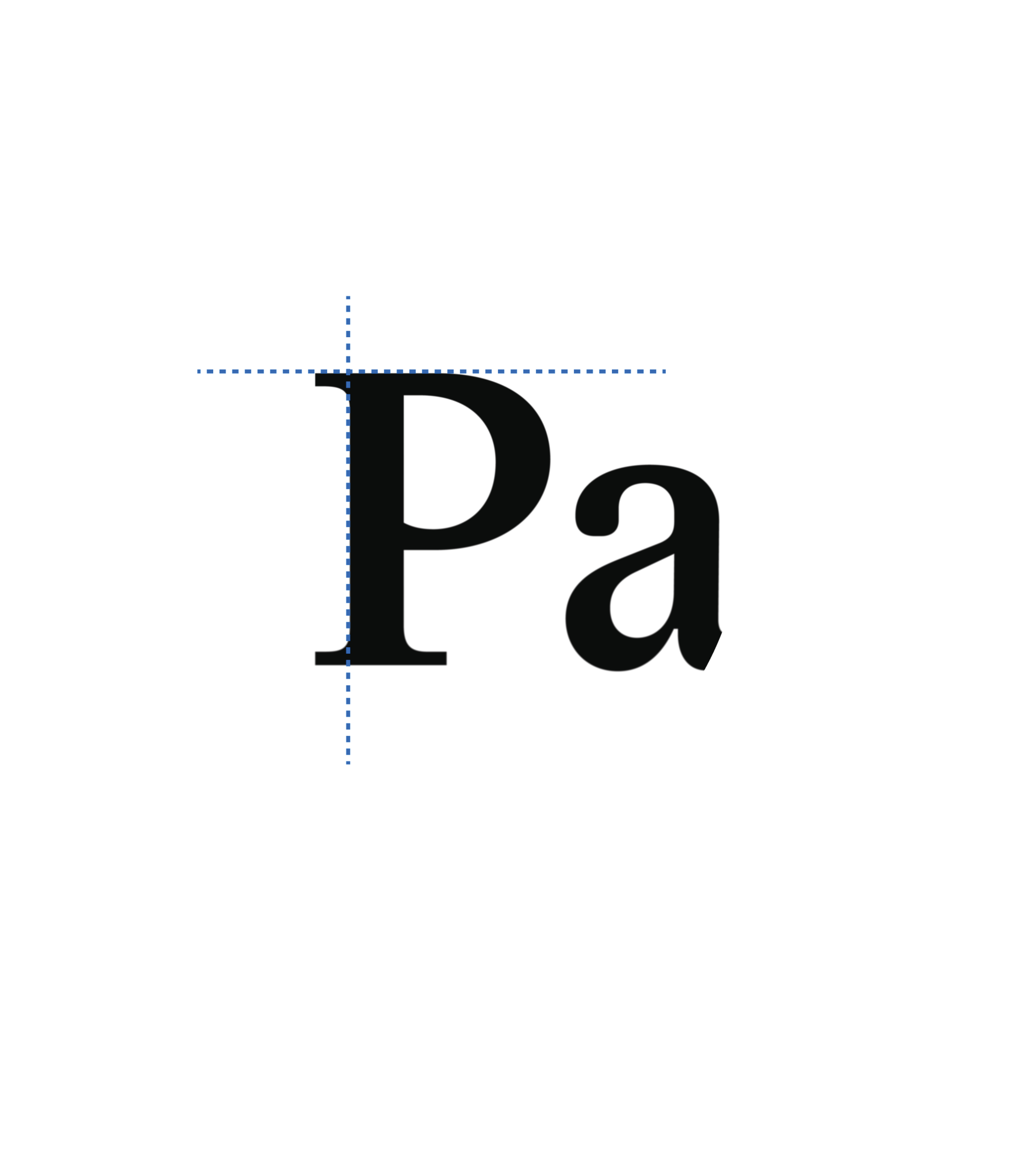
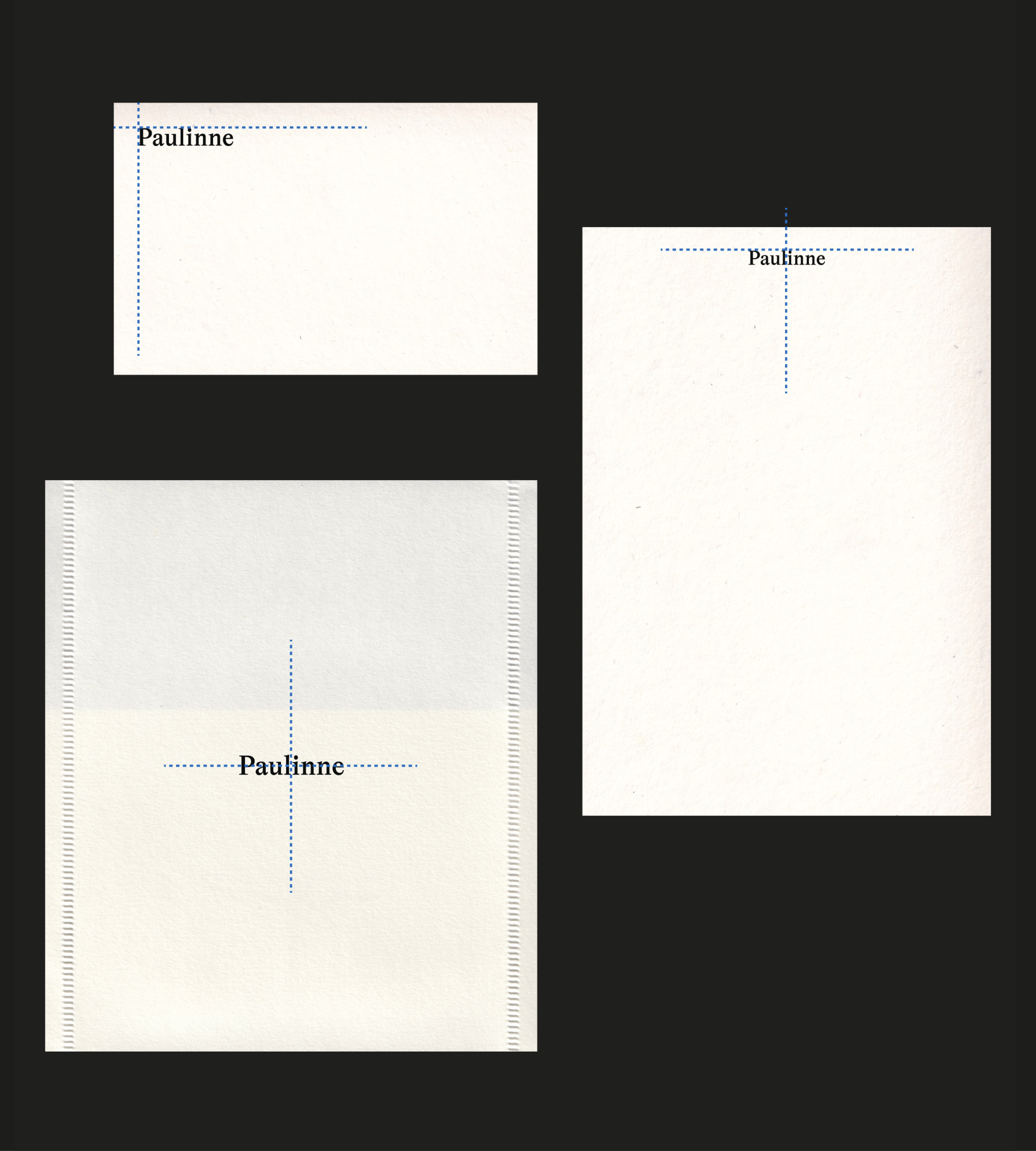
The Paulinne logo can be positioned centred, top left or top centre of materials.
1. The top margin should be aligned against the cap height of the ‘P’
2. The left-hand margin should be aligned against the flat edge of the ‘P’ allowing serifs to overhang
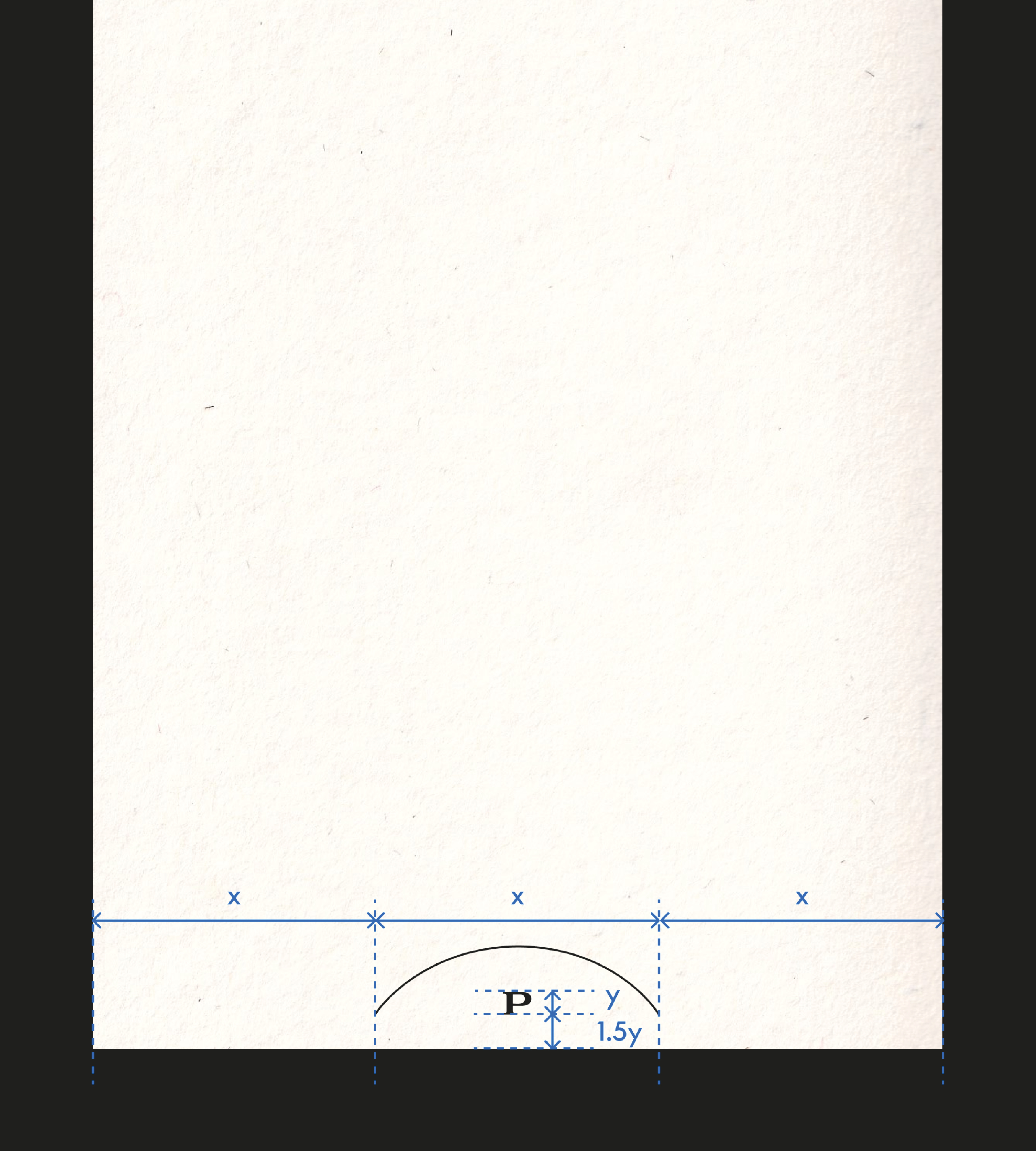
The P logomark is always centred along the bottom edge of any asset.
When spelling out the brand name within text, certain rules should be followed.
2. In the absence of a predefined margin, the lower margin is set to 1.5× the height of the P.
Logo: Dont's
Logo factors to consider: correct (original) proportions, avoid rotation of the logo, use pre-formatted files, don’t adjust the size of parts of the logo.
Adjust Spacing

Rotate
Separate the Logo
Logo: Legibility Dont's
Legibility against backgrounds factors to consider: Contrast between the logo and background, crop of imagery behind the logo, position of the logo in relation to graphic elements.
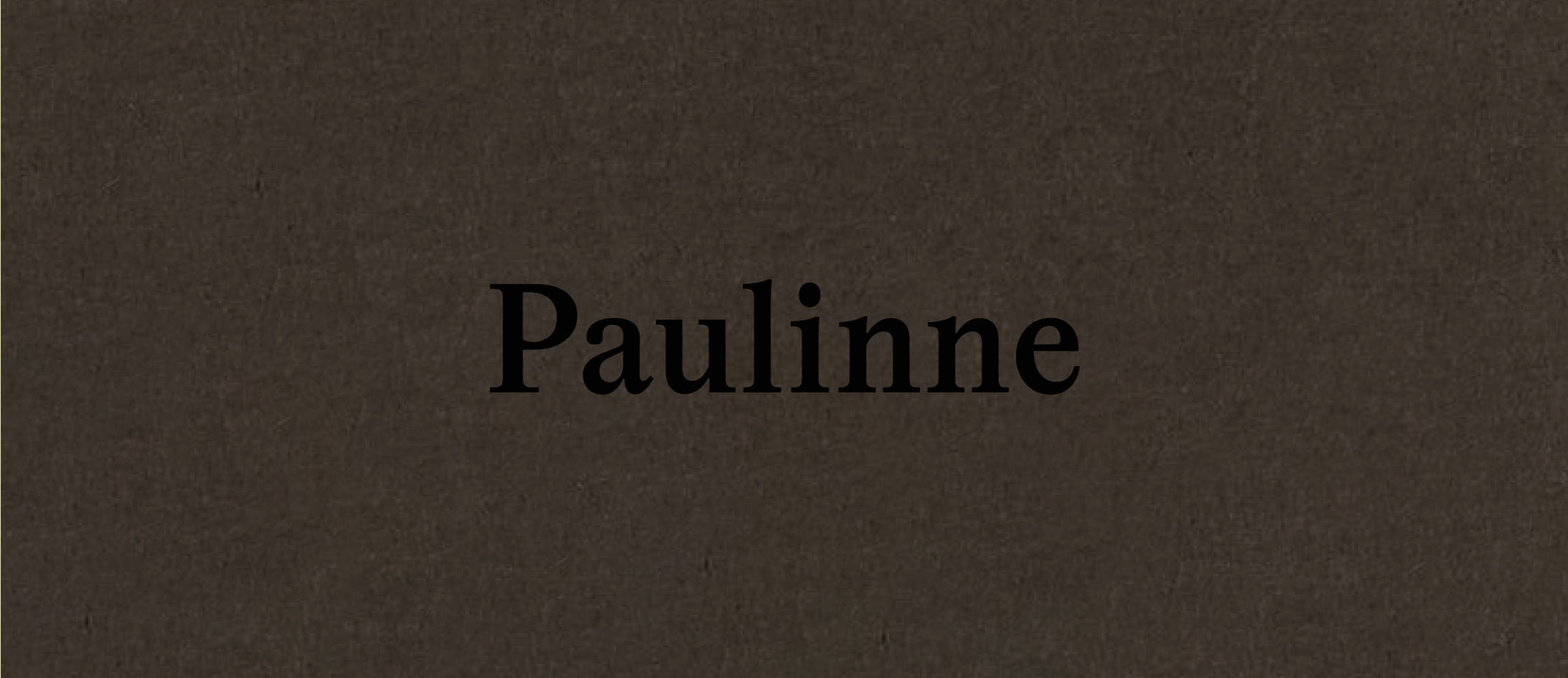
Use the incorrect Positive/Negative variation
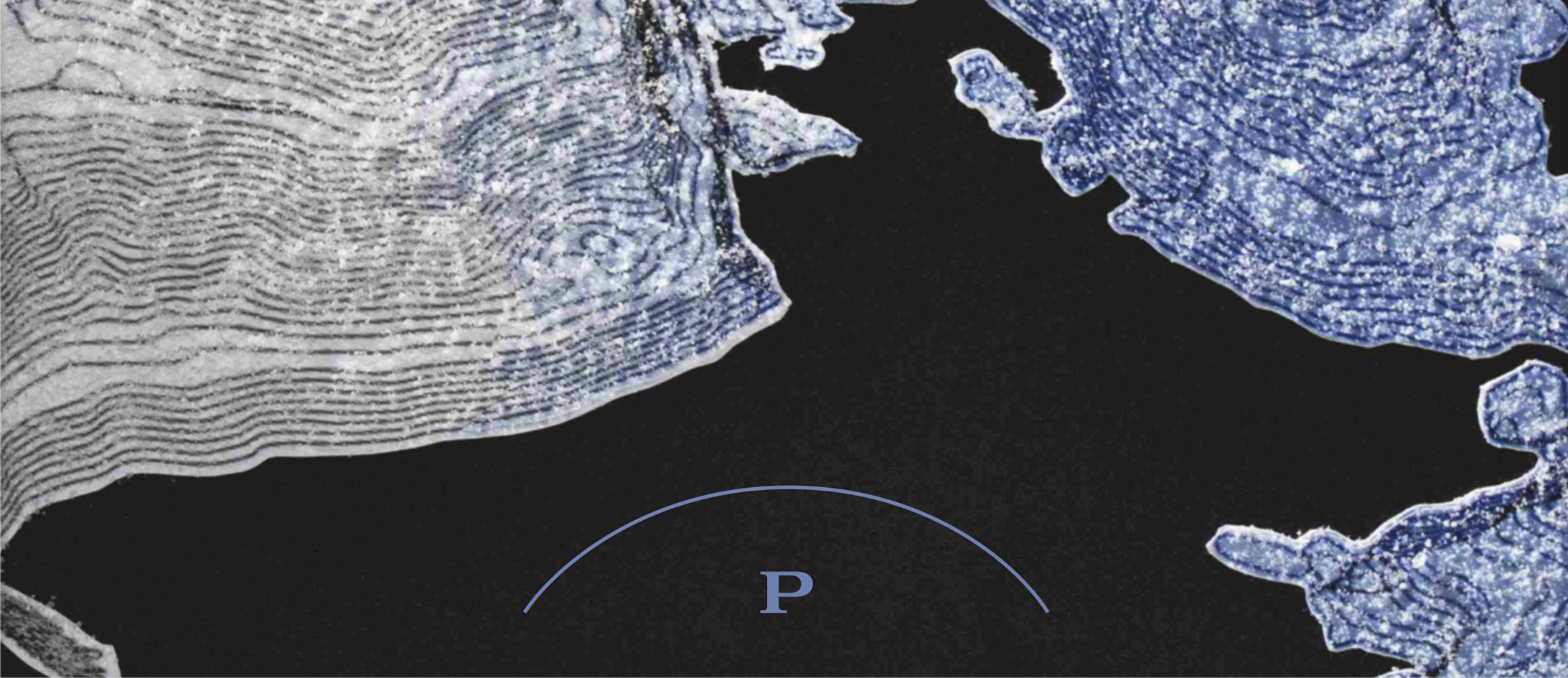
Colour logo with colour drawn from the background
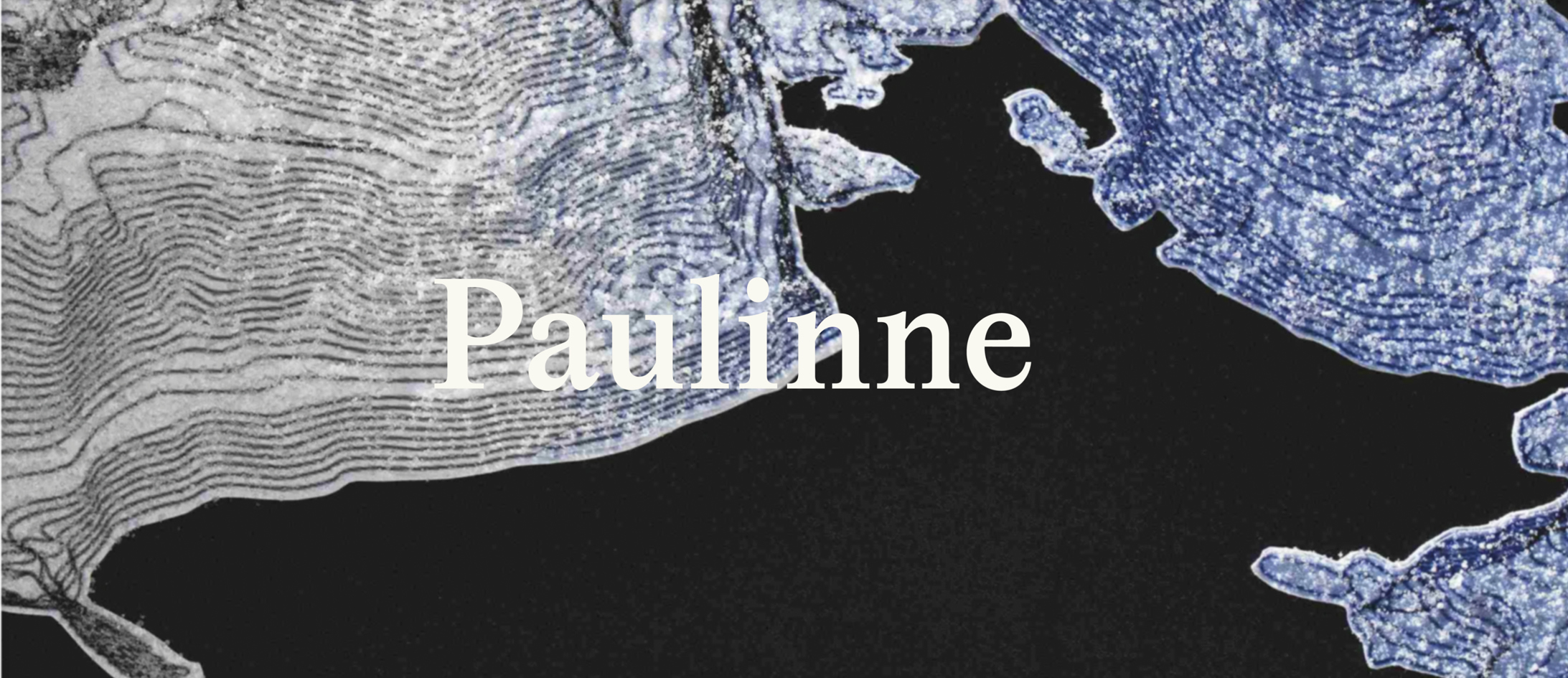
Obscure the logo with imagery

Use colours that vibrate against the logo